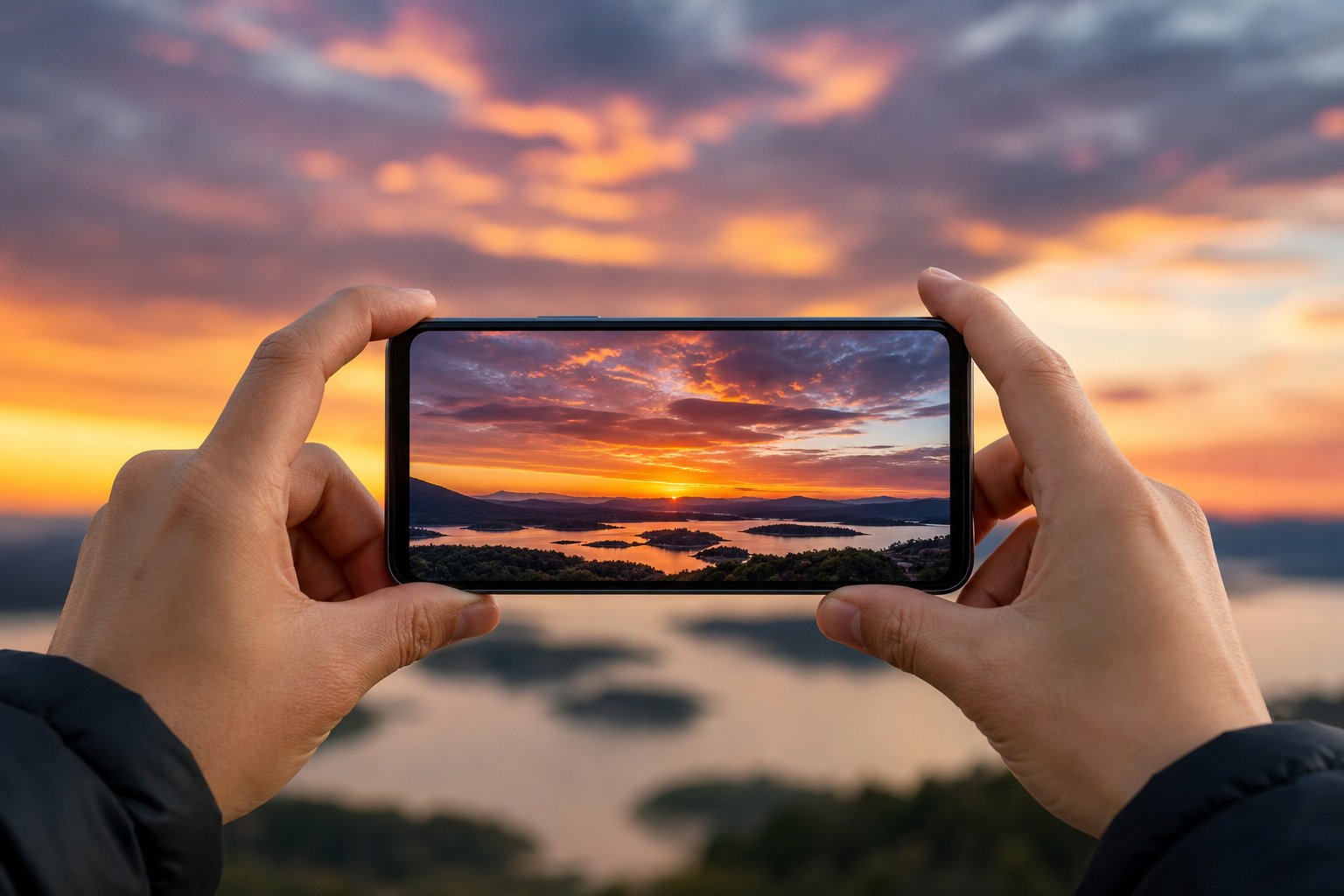
Phone cameras have closed much of the gap with dedicated cameras, but sunsets still trip them up. The scene has a bright sky and a dark foreground at the same time, and the automatic modes tend to pick one and sacrifice the other. With a few deliberate habits you can pull clean, balanced sunset photos straight from your pocket, no extra gear required.
The goal is to keep the colors in the sky from washing out while still showing some detail on the ground. Here is how to get there.
Lock Focus and Exposure Before You Shoot
The single biggest improvement comes from taking control of metering. On most phones you tap the screen to focus, then press and hold that same spot until the focus and exposure lock indicator appears. Once locked, the phone stops re-metering every time you move, so your sky tones stay put.
Tap on a spot in the sky near the sun but not directly on it. This tells the phone to expose for the bright area, which protects the color in the clouds. The foreground will go darker, which is usually fine for a sunset and often looks better as a silhouette.
Drag the Exposure Slider Down
After locking, a small slider (often a sun icon) appears next to the focus box. Slide it down to reduce exposure. Sunsets almost always look richer when slightly underexposed, because it deepens the oranges and reds instead of letting them blow out to pale yellow or white.
- Underexpose by a noticeable amount when the sun is still in the frame.
- Ease off once the sun has dropped below the horizon and the light is softer.
- Watch the brightest clouds; if they turn pure white, pull the slider down more.
Decide When HDR Helps and When It Hurts
HDR blends several exposures to hold detail in both shadows and highlights. For a sunset with an interesting foreground, such as a pier or a row of trees, it can rescue the dark areas. But aggressive HDR can also flatten the sky and dull the very color you came for. If your shots look gray and lifeless, turn HDR off and expose for the sky instead. Try a few frames each way and compare.
Shoot in RAW if Your Phone Allows It
Many phones offer a RAW or ProRAW option, sometimes inside the native camera and sometimes through a third-party app. RAW files hold far more color and tonal information, which matters a great deal for skies. A sunset that looks slightly off straight out of the camera can usually be recovered in editing when you started from RAW, because you can lift shadows and recover highlights without the harsh banding that ruins compressed files.
The trade-off is larger files and a mandatory editing step, since RAW shots look flat before processing. If you never edit, stick with the standard format and nail the exposure in camera.
Steady the Phone and Use the Timer
As light fades, the phone slows its shutter to gather more light, and handheld shots get soft. Brace your elbows against your body, rest the phone on a wall or railing, or use a small tripod. Setting a two or three second timer removes the shake from your finger tapping the shutter, which is often the difference between a sharp frame and a slightly smeared one during blue hour.
Compose With More Than the Sky
A glowing sky alone gets boring quickly. Give the eye something to anchor on. Place the horizon off-center using the grid lines, keep about two thirds for the sky when the color is the star, and look for a strong shape in the foreground. Reflections in wet sand, puddles, or windows double the color and add depth.
- Turn on the camera grid to keep horizons level and place them on a third.
- Get low to stretch reflections and exaggerate foreground interest.
- Include a person, boat, or tree as a silhouette for scale and story.
Resist the Urge to Zoom and Over-Edit
Pinch-to-zoom on most phones is digital, meaning it just crops and enlarges pixels, which softens the image. Move closer with your feet when you can, or shoot wide and crop later with the full resolution intact. When editing afterward, nudge the warmth and contrast gently. Cranking saturation to the maximum is the fastest way to make a sunset look fake, with muddy reds and a harsh edge where the sky meets the land.
Conclusion
Good smartphone sunset photos come from a handful of controllable choices rather than a better camera. Lock your exposure on the sky, dial it down to protect the color, decide thoughtfully about HDR, and steady the phone as the light drops. Add a strong foreground and a light editing touch, and the device already in your pocket will hold its own against far more expensive gear.